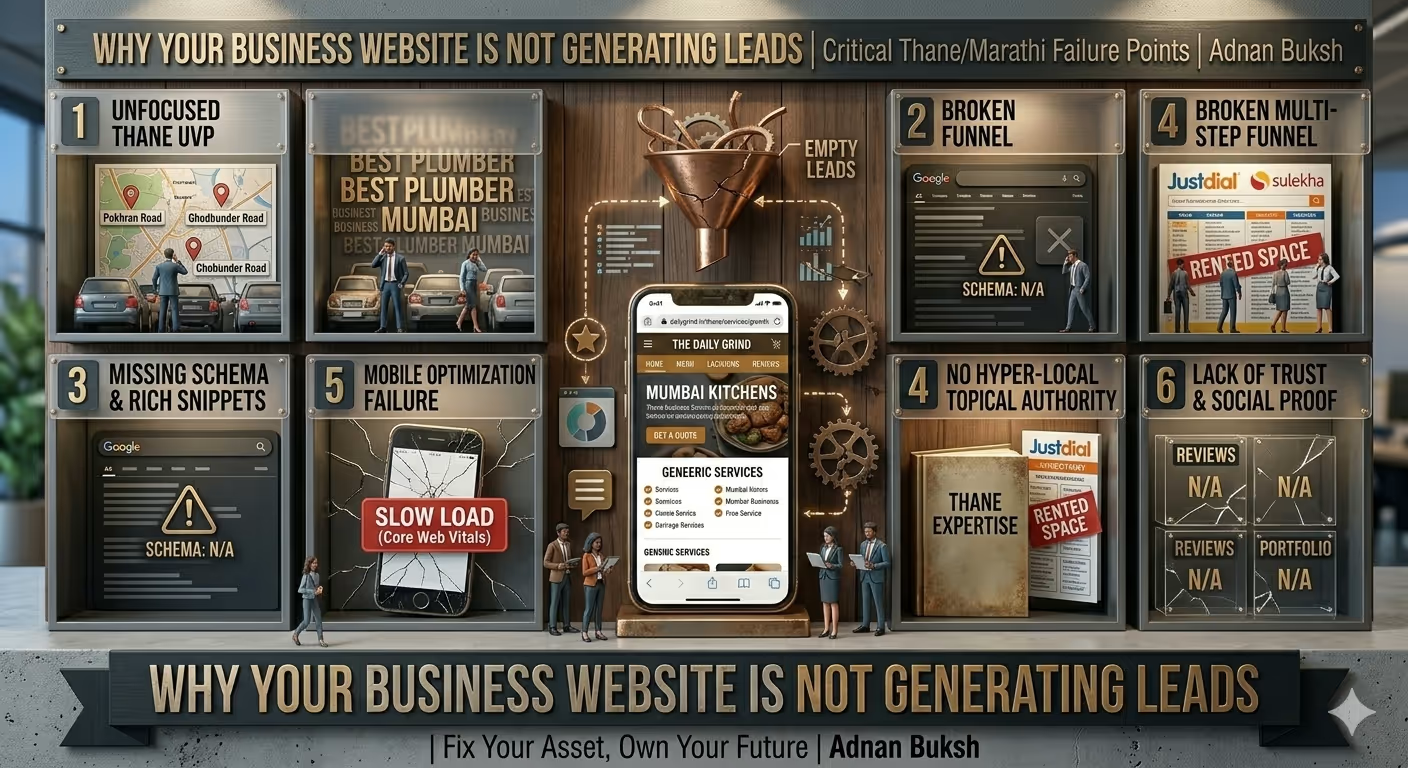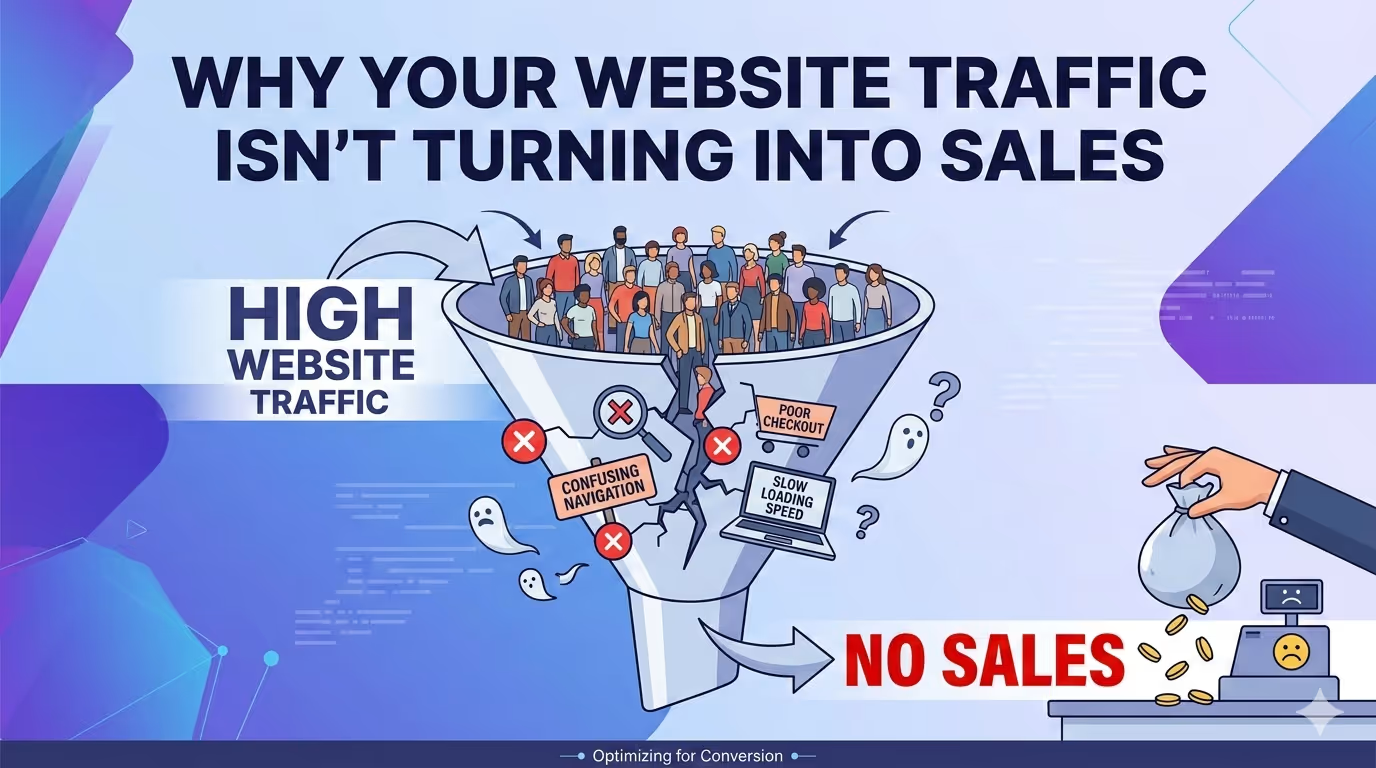
I talk to a lot of business owners who are pulling their hair out. They’ve invested time and money into SEO, maybe some social media ads, or consistent content marketing. The analytics show visitors are coming. The traffic numbers look healthy. But the cash register isn’t ringing. Inquiries are low. Sales are flat.
Their diagnosis is usually wrong. They think they need more traffic. They think the “offer” isn’t good enough.
More often than not, the problem isn’t the traffic—it’s what happens after the visitor lands. As someone who spends his days inside the code of WordPress sites, I see the same breakdowns happening repeatedly. The pipeline is leaking, and the leaks are technical.
If your website traffic isn’t turning into sales, it’s rarely a mystery. It’s a breakdown in performance, user experience, or trust. Here is exactly where to look and how to fix it.
Let’s start with the most fundamental breakdown. You can have the best copy in the world and the most compelling offer, but if your pages take five seconds to load, you’ve already lost.
We often think about user experience in terms of design. But the first experience is speed.
From a technical standpoint, a slow site isn’t just an annoyance; it’s a cognitive barrier. Think about it from the user’s perspective. They click a link from Google or a social post. Nothing happens. They wait. The browser tab spins. In that moment of silence, doubt creeps in. “Is this site down?” “Is this secure?” They hit the back button. That bounce is a conversion you never had a chance to make.
I run audits on sites every week where the owner is baffled by low conversion rates. The first thing I check is the performance tab in Chrome DevTools. More often than not, I see render-blocking resources, unoptimized images that are 2MB in size, and JavaScript that’s weighing down the initial paint.
Why it happens:
The Fix:
This is where a deep understanding of the stack matters. It’s not just about installing a caching plugin. It’s about architecture. I look at server response times (TTFB), image delivery, and database query performance. If your site is slow, you are burning your ad budget on a broken door.
I offer a WordPress Speed Optimization Service specifically to diagnose and fix these deep-seated performance bottlenecks, from optimizing the database to fine-tuning the server configuration. If your traffic is bouncing, start here.
Assuming the site loads fast, what does the user see? This is where design philosophy meets technical execution.
A common mistake I see is treating the homepage like a brochure. You throw a bunch of information at the visitor and hope they figure out what to do next. But a website for a business isn’t a museum; it’s a tool. It needs a job, and that job is to guide a visitor toward a specific action.
If your traffic isn’t converting, map the user journey. Where are you sending them? If you run an ad for a specific product, the link should go to that product page. It sounds obvious, but I’ve seen ads point to a homepage where the visitor then has to search for the product. That’s an extra step. That’s friction. You’ve already lost them.
Where the technical breakdown occurs:
The Fix:
Think like a user, not an owner. Load your site. What is the first, second, and third thing you see? Is the path to purchase or inquiry obvious? On many affordable web design for small business projects, I strip away the “fluff” and focus on a clear, single goal per page. One page, one purpose. That’s how you reduce friction.
This is a big one, and it’s deeply technical. In the physical world, trust is built on eye contact, a firm handshake, and a clean storefront. Online, trust is built on milliseconds of visual processing and subconscious technical cues.
If your site looks like it was built in 2005, or if it behaves erratically, the visitor’s brain flags it as a potential risk. They won’t buy from you because they don’t feel safe.
The technical trust-killers:
The Fix:
Audit your site on a real smartphone. Click through everything. Check for console errors (right-click > Inspect > Console). If you see red errors, something is broken. Fixing these issues restores that fundamental layer of trust.
You’re getting traffic, but it’s not converting. Let’s look at the quality of that traffic. This isn’t just about keywords; it’s about intent.
If you rank number one for “cheap running shoes,” but you only sell premium, hand-made leather sneakers for $300, you’re going to get traffic, but no sales. The visitor wanted cheap; you sell expensive. The intent is mismatched.
This happens a lot with poorly planned content marketing. Someone writes a blog post about “how to fix a leaky faucet” because it gets a lot of search traffic. But their business is selling brand new, high-end faucets. The visitor wants to fix their old one, not buy a new one. The traffic is useless for the business goal.
The Technical Angle:
This is where analytics comes in. You need to look beyond “page views.” Look at bounce rate vs. exit rate, and more importantly, session duration for your key traffic sources.
The Fix:
Review your top-performing content. If it’s bringing in traffic that doesn’t fit your product, you have two choices: stop writing about that topic, or change the content to better guide that user toward your actual offering. Also, consider hiring a freelance SEO expert to perform a proper keyword intent audit, ensuring the terms you rank for align with what you actually sell.
This sounds basic, but you’d be surprised how often it happens. A user reads your amazing blog post, they’re convinced, they want to hire you… and then they can’t figure out how.
Maybe the “Contact” link is buried in the footer. Maybe the “Buy Now” button is on a page that requires them to create an account first (a massive conversion killer). Or worse, they click “Buy Now” and get a 404 error.
The technical specifics:
mail() function was failing, or the SMTP wasn’t configured, and the business owner had no idea they were losing leads for months. Test your own forms regularly.Getting more traffic to a broken website is like pouring water into a cracked glass. You can pour faster, but you’ll just lose more.
If your traffic isn’t turning into sales, step away from the marketing plan and look at the machine itself. Look at the speed, the user experience, the trust signals, the intent match, and the technical soundness of your conversion paths.
These aren’t “marketing problems.” They are web development problems. They are architecture problems. They are problems I solve every day for clients who were stuck in the “more traffic” trap.
If you’re tired of watching visitors land on your site and leave without a trace, and you want a technical expert to diagnose the real bottlenecks, let’s talk. Sometimes, you just need a WordPress developer to look under the hood and see what’s really going on.