Your website is rarely just a digital brochure. For most businesses I work with, it’s the primary destination for potential customers evaluating whether to trust you with their money or their data.
I’ve spent years digging into the backend of WordPress sites, fixing the cracks that appear when a site is neglected or built poorly. And I can tell you this: a bad website doesn’t just fail to attract customers—it actively pushes them away. It erodes trust before you’ve even had a chance to make your pitch.
The problem is, many business owners don’t see the slow bleed. They see a site that’s “live,” so they assume it’s working. It isn’t.
Here are the clear, technical, and behavioral signs that your website is hurting your brand—and the logic behind why they matter.
This is the most common, and most damaging, issue I encounter. If your website takes longer than 3 seconds to load, you are not just losing visitors; you are actively training them to associate your brand with friction.
From a technical standpoint, a slow WordPress site is rarely due to one thing. It’s usually a cascade of poor decisions: unoptimized images that are 5MB in size, a cheap shared hosting server that can’t handle the PHP memory limits, or a theme bloated with scripts for features you aren’t even using.
I’ve seen sites where the homepage makes 120 separate HTTP requests just to load the above-the-fold content. Every single one of those requests is a promise the server has to keep, and if it takes too long, the browser tab sits there spinning. In 2024, that spinning icon is the digital equivalent of a locked front door during business hours.
If you’re running a WooCommerce store, the stakes are even higher. Google’s own data correlates page speed with bounce rate almost linearly. A delay of just one second can mean thousands in lost revenue annually. It’s not just about user experience; it’s about physics. A slow site tells the algorithm (and the user) that your brand is sluggish and unreliable. If you suspect this is your issue, a structured page speed optimization service can diagnose whether it’s a server issue, a database problem, or a render-blocking resource choking your site.
We can no longer think of mobile as an afterthought. I build with a “mobile-first” approach, but I audit with a “mobile-only” mindset. Pull up your website on a physical phone—not the responsive tool in your browser, but an actual device.
Does the text shrink to an unreadable size? Are the buttons so close together that a fat-finger tap hits the wrong link? If a user has to pinch and zoom to click your “Buy Now” button, you’ve lost them.
But the deeper, more technical sign that your brand is hurting is inconsistent caching behavior on mobile. I often see sites where the desktop version is cached properly via a plugin like WP Rocket or W3 Total Cache, but the mobile configuration is broken. This causes the mobile site to load as if it’s a fresh visit every single time, hammering the server and slowing down the experience.
If your mobile bounce rate is significantly higher than your desktop rate, the layout is the suspect, but the performance is the guilty party. A site that feels clunky on a phone screams “amateur hour.” It suggests the business doesn’t care enough to make the experience smooth. When I work on affordable web design for small business projects, the primary goal is always functional simplicity on mobile, not just visual flair on a 27-inch monitor.
This is less about code and more about architecture, but the two are linked. I look at a site’s structure the same way I look at a database schema: if the primary key isn’t defined, the whole thing falls apart.
When I land on your homepage, I should know what you do within 5 seconds. Not by reading a paragraph, but by scanning a headline and a supporting visual. If I see a generic hero image with text like “Welcome to Our World” or “Innovating Solutions for Tomorrow,” I know you’re burning money on hosting.
This hurts your brand because it shows a lack of focus. It tells the visitor, “We don’t really understand what you need, so we’re going to be vague until you figure it out.”
The fix isn’t just copywriting; it’s hierarchy. Your H1 tag should contain your core value proposition. Your meta description (the text under the blue link in Google) should compel a click, not just repeat your company name. If a user has to navigate three pages deep to figure out if you sell shoes or repair them, they’ll leave. They’ll go to a site where the value is obvious.
Nothing kills brand trust faster than a browser intervention.
If a user tries to visit your site and Chrome throws a full-page red warning saying “Deceptive Site Ahead” or “Your Connection Is Not Private,” you might as well pack up and go home. I specialize in WordPress malware removal service, and the stories I could tell are grim. Often, the site owner has no idea they’ve been hacked for weeks. They’re not seeing the warning because they have the site cached or bookmarked, but every new visitor is getting hit with a scare screen.
Sometimes, it’s not even a full hack. It’s a mixed-content issue where the site is loaded via HTTPS, but images or scripts are still trying to load over HTTP. The browser shows the little “Not Secure” text in the address bar. To a user, that little grey text might as well be a flashing neon sign that says “Steer Clear.”
This signals that the business is either negligent or incompetent when it comes to security. If you can’t secure your own digital storefront, how can you be trusted with a customer’s credit card number or email address? Regular maintenance and security sweeps are non-negotiable. If you’re not running a firewall and scanning for file changes daily, your brand is at risk.
This is a behavioral sign. Using analytics (specifically, behavior flow reports), I can see exactly where users drop off. But I don’t need analytics to spot the structural problems.
A classic example is the “Contact Us” page that is just a static map and an email address, with no form, or a form that throws a 404 error when submitted. I can’t tell you how many times I’ve tested contact forms for maintenance clients only to discover that the email sending function is broken because the host changed their SMTP settings and the plugin wasn’t updated.
Another common flow killer is the blog post that promises a solution but has no call to action. You write a great article about “How to Fix X,” the user reads it, nods along, and then… nothing. They leave. You had their attention, the most valuable currency on the web, and you spent it without asking for anything in return. That’s a broken loop. Whether it’s a link to a related service page or an invitation to sign up for a newsletter, every piece of content needs a logical next step.
This is purely technical, but it has a massive brand impact. I can usually tell if a site is neglected just by looking at the footer. If it says “Copyright 2019,” I know the engine underneath is probably rusting.
When you log into WordPress and see a wall of update notifications—12 plugins, the theme, and the core all need updates—and you ignore them, you’re creating technical debt. Eventually, something will break. A plugin will become incompatible with the latest PHP version, or a security patch will close a hole that a hacker was already using.
But beyond the backend, users can smell old content. If your latest news post is from two years ago, it suggests the business is stagnant, or worse, out of business. Freshness is a ranking factor for Google, but it’s also a trust factor for humans. If you’re too busy to update your site, are you too busy to answer support emails? This is where a retainer model, like WordPress website maintenance, makes sense. It’s not just about uptime; it’s about keeping the digital asset looking and functioning like a living, breathing business.
Visuals are processed 60,000 times faster than text. If your hero image is a group of unnaturally happy diverse professionals staring at a laptop in a brightly lit office, you haven’t told me anything about your brand. You’ve just used a template.
Worse, if those images are heavy, unoptimized stock photos, they are slowing down your site while simultaneously diluting your uniqueness. Your brand is supposed to be you. Using generic imagery suggests that you are a commodity, interchangeable with anyone else.
Custom photography, or even well-chosen, unique illustrations, signal investment. They signal that you exist in the real world, solving real problems. From a dev perspective, I always push clients to use WebP format for these images. It keeps the visual quality high while shrinking the file size, ensuring that your unique brand identity doesn’t tank your Core Web Vitals.
I’m a big believer in information architecture. If I land on your site and I can’t find your “Pricing” page within one click of the homepage, you are making me work too hard.
Drop-down menus that are overly complex, menu items with clever internal names that make no sense to outsiders (“The Good Stuff,” “Our World,” “Solutions Ecosystem”), or menus that change position from page to page—these all create cognitive load. The user has to stop thinking about your product and start thinking about how to use your website. That mental friction is a leak in the funnel.
From a technical standpoint, a poorly coded navigation menu can also harm your SEO. If the menu relies on JavaScript to render the links, and Googlebot struggles to execute that JavaScript properly, the internal pages of your site might not get indexed. You’ve essentially built a site that search engines can’t properly crawl. If you need to rebuild this structure properly, working with a custom WordPress development expert ensures that the navigation is both user-friendly and search-engine-friendly.
I audit a lot of “About Us” pages that are just resumes. “We were founded in 2005. We have 20 years of experience. We pride ourselves on quality.”
The visitor doesn’t care. At least, not yet. They care about themselves. They want to know: “Can you solve my problem?”
This is a brand-killer because it signals self-absorption. The most effective sites spend 80% of the copy talking about the customer’s pain and 20% talking about the solution. Flip that ratio, and you’ve created a digital monument to your own ego, not a tool for your audience.
In the real world, if you’re thinking about hiring a freelancer or buying a product, you ask a friend for a reference. Online, your testimonials and case studies are that friend.
If your website has no testimonials, no logos of companies you’ve worked with, and no evidence that other humans have benefited from your work, you’re asking for a leap of faith. In a high-trust economy, that’s too big a leap.
Even if you’re a solo operator, get a testimonial. Put it on the page. It adds a layer of social validation that copy simply cannot replicate. From a technical perspective, you want to make sure this social proof is structured data (schema markup) so Google can display your star ratings right in the search results. It’s a competitive advantage that’s often overlooked.
Your website is a piece of infrastructure, like the foundation of a house. If the foundation is cracked, it doesn’t matter how nice the paint job is. The structure is failing.
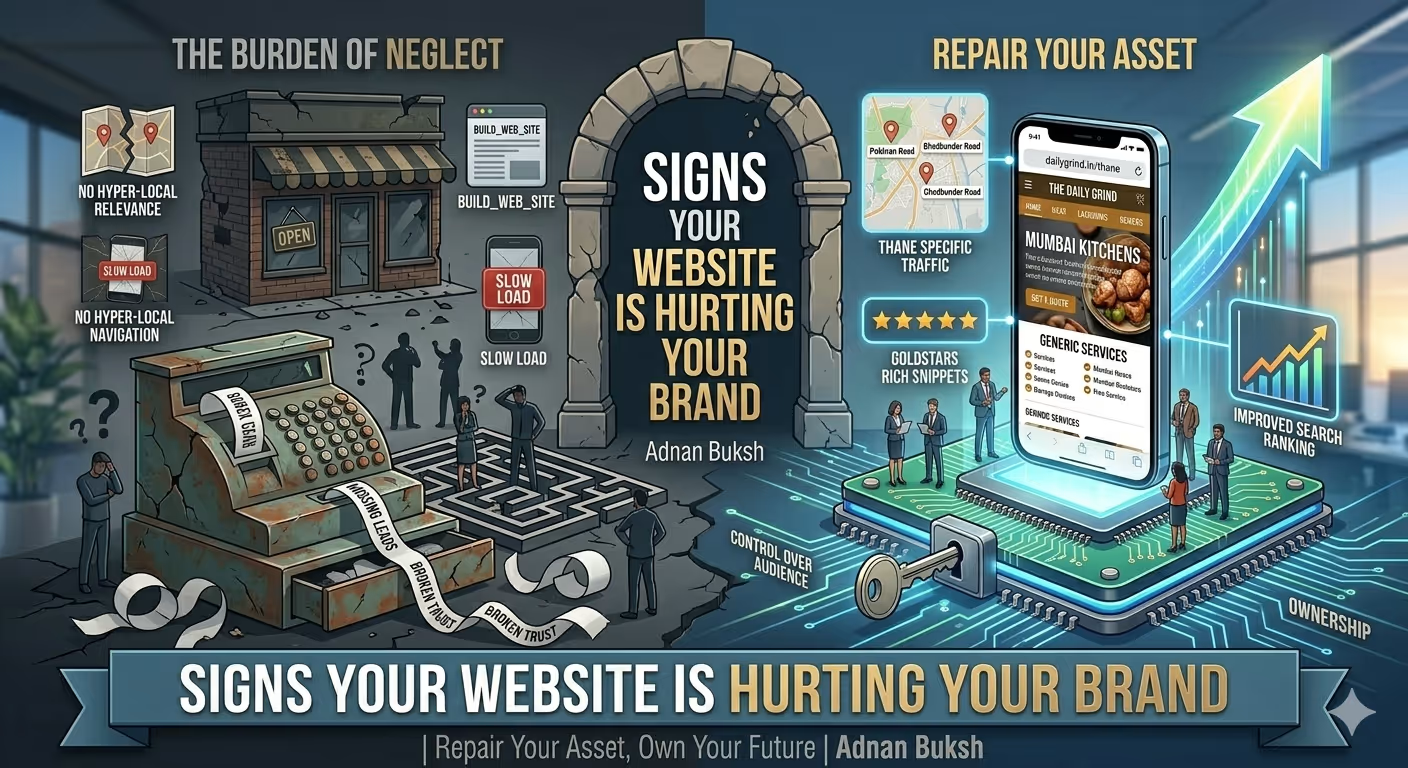
If you recognize any of these signs—the slow load times, the confusing flow, the security warnings, the generic feel—it’s not just a design problem. It’s a business problem. It’s actively costing you leads, sales, and credibility.
As a developer, my job isn’t just to write code; it’s to fix those cracks. It’s to look at the site the way a visitor looks at it, and the way Google looks at it, and bridge the gap between where the site is and where it needs to be to build, rather than harm, your brand.
If you’re unsure where to start, run a technical audit. Look at the server logs, check the page speed insights, and test your conversion paths on a phone. The truth is usually hiding in plain sight.


Working with Adnan has been a pleasure. Better yet - I alerted them of a site hacked issue before going to sleep. The issue was fixed the next morning. I couldn't ask for better support. Thank you Adnan! This is easily a 5 star freelancer.

Adnan understood our business needs perfectly and delivered a website that exceeded our expectations. The design is modern, the functionality seamless, and our online presence has never looked better. Highly recommend their services!

As a gym owner, I'm thrilled with Adnan's exceptional web development service. The website he's built is visually stunning and highly functional. I highly recommend Adnan for businesses seeking to elevate their digital presence.

Love the website design by Adnan Buksh. It's modern and just what I wanted. Highly recommend!





Online • Typically replies in minutes